
Your own tools.
Your Mac runs the desktop chat app and its tools, using the model service configured there.
MAC COMPANION
Continue your desktop chats on iPhone.
One QR scan. End-to-end encrypted.
Developer ID signed & notarized by Apple.
Your Mac runs the desktop chat app and its tools, using the model service configured there.
Keep the Mac logged in with Pocket Vibe and your desktop chat app running.
Pocket Vibe covers remote access. Model usage, API credits and desktop service subscriptions are separate.
New connections require device verification. This update preserves existing verified pairings. Both local Wi-Fi and relay connections are end-to-end encrypted. Subscription checks remain in the cloud.
QR invitations expire after ten minutes. Keep yours private. If setup is interrupted, return to the iPhone app to continue.
Allow Camera access for scanning, or paste the invitation without it. Allow Local Network access for direct Wi-Fi connections. Encrypted relay is used when direct access is unavailable. Notifications show generic completion and question alerts. To capture your chat window, choose Enable… beside Window screenshots on Mac. Allow Pocket Vibe in System Settings → Privacy & Security → Screen & System Audio Recording.
Codex Micro is included with the approved distribution profile. On macOS 15 or later, allow Pocket Vibe to control your Mac when requested. Existing pairing and settings are preserved.
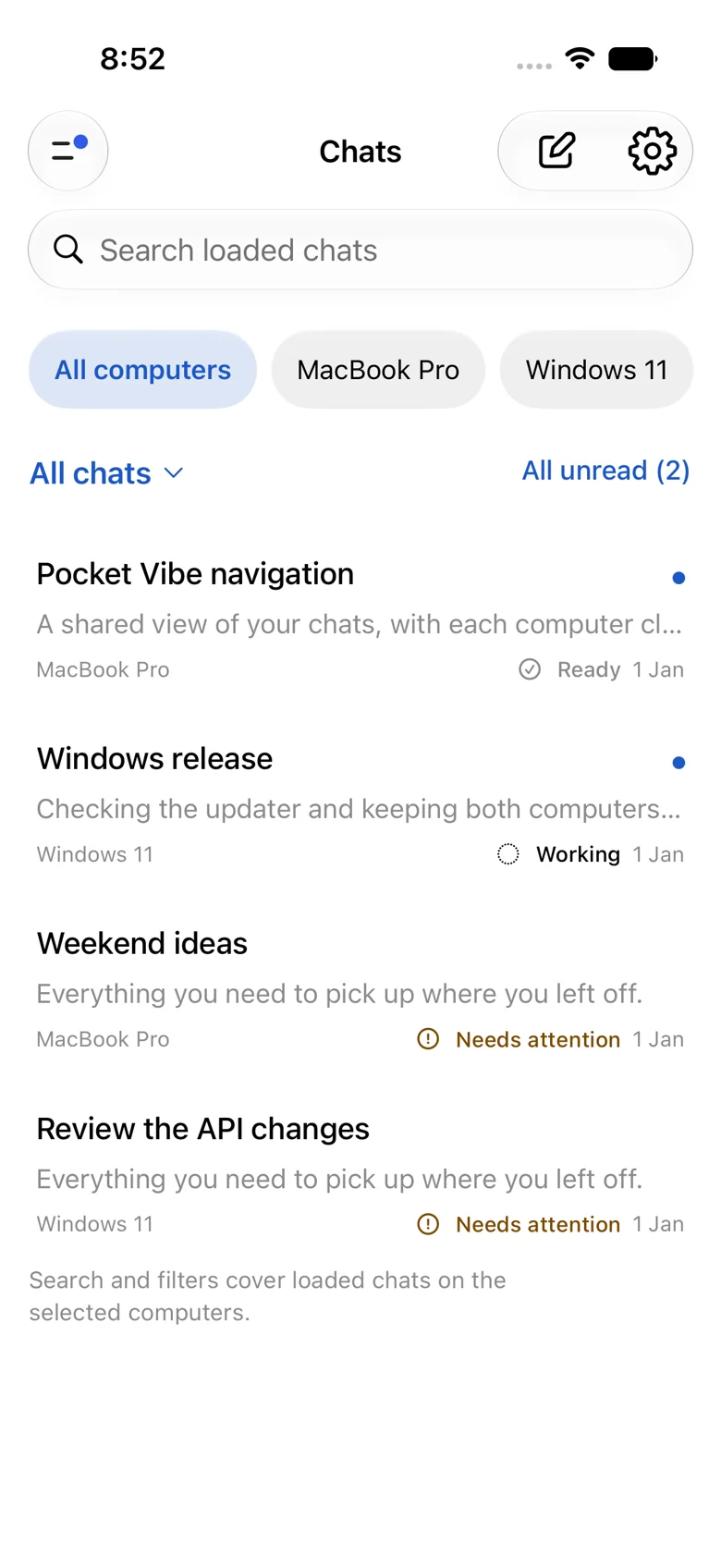
Free includes all features and 2 computers. An optional Pro subscription increases the limit to 5 computers. On iPhone, open Settings → Connections → Add another computer to connect another computer. Adding a Mac keeps existing connections. Use the computer filters in Chats, or choose a computer in the sidebar to open its chat list. Use Edit beside Connections in Settings to reorder saved computers.
For a new or reinstalled Mac, scan its QR code again. Free the old Mac’s place in Settings → Subscription → Computer places if needed. You can request this while the old Mac is offline. Its place is released after it acknowledges deactivation or its last signed access lease expires plus a 30-second guard, which can take about two hours.
On the Mac main page, choose Paired iPhones → Add iPhone and create a device invitation. On the new iPhone, choose Scan computer QR code. It connects automatically after verification. The invitation is single-use and expires after ten minutes. Existing phones stay connected. Paired iPhones shows confirmed devices separately from their current online status and lets you disconnect one phone. Existing verified pairings survive this update.
On iPhone, open Settings → Connections → your Mac. Its installed version, update status, check and install controls appear directly on that page. You can also enable automatic updates there. The Mac reconnects after updating without another confirmation there. On Mac, use Check for Updates on the main page or in the app menu.
With a current iPhone app, press and hold a chat or swipe left on its list row to rename it. Archive from iPhone requires macOS 15 or later and an approved Codex Micro helper. The signed helper is included. Allow Mac control permission when requested. Restore archived chats in Codex on your Mac. See archive requirements, confirmation and restore limits.
The Mac main page also contains Open at login and the Dock or menu bar choice. Quitting Pocket Vibe stops remote access.
On iPhone, open Settings, choose your Mac under Connections and tap Retry when disconnected. Check that the Mac is awake and both Mac apps are open. Follow any connection message in the Mac app. A temporary outage does not require another scan.
Read the full feature guide or contact support for help.